02
Before / After
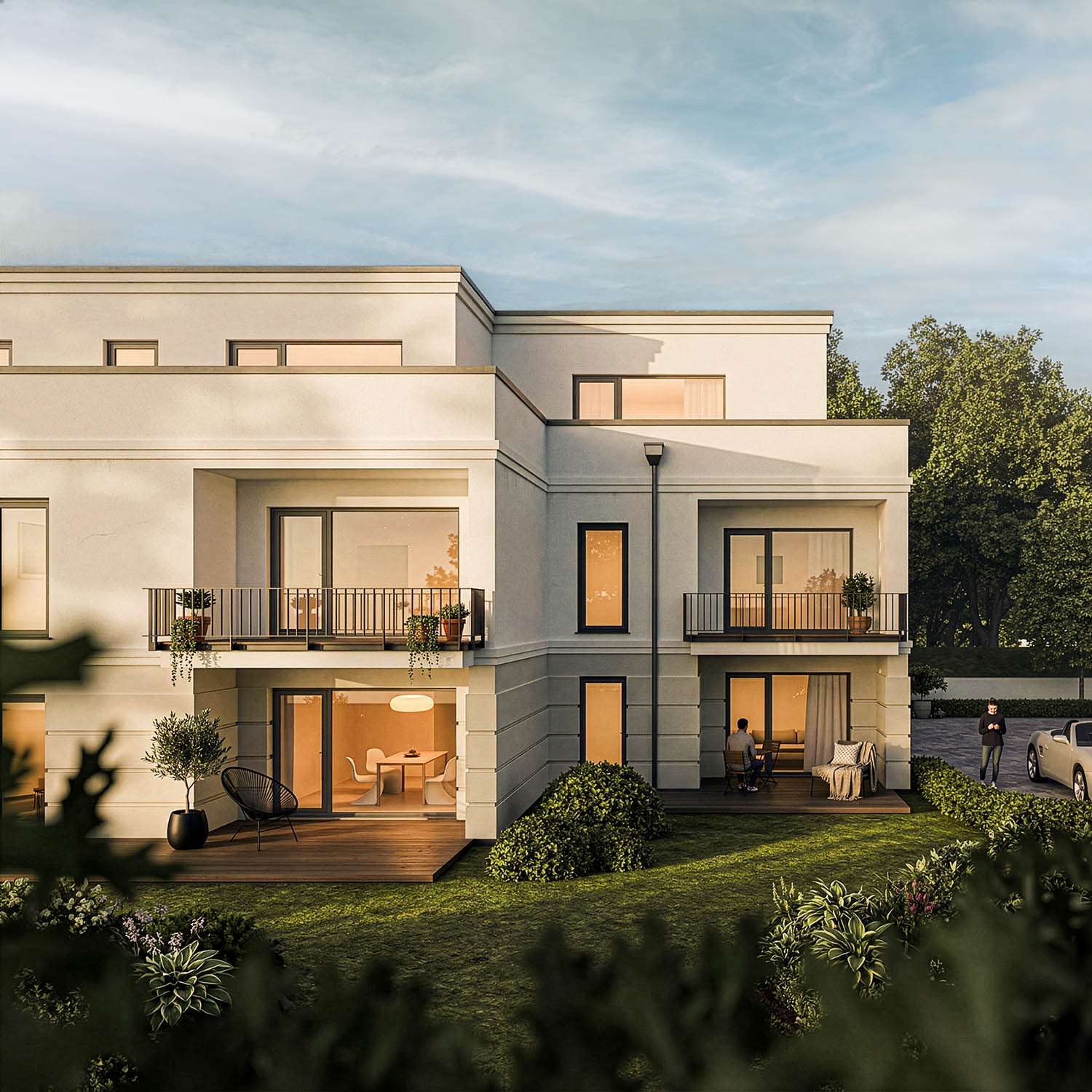
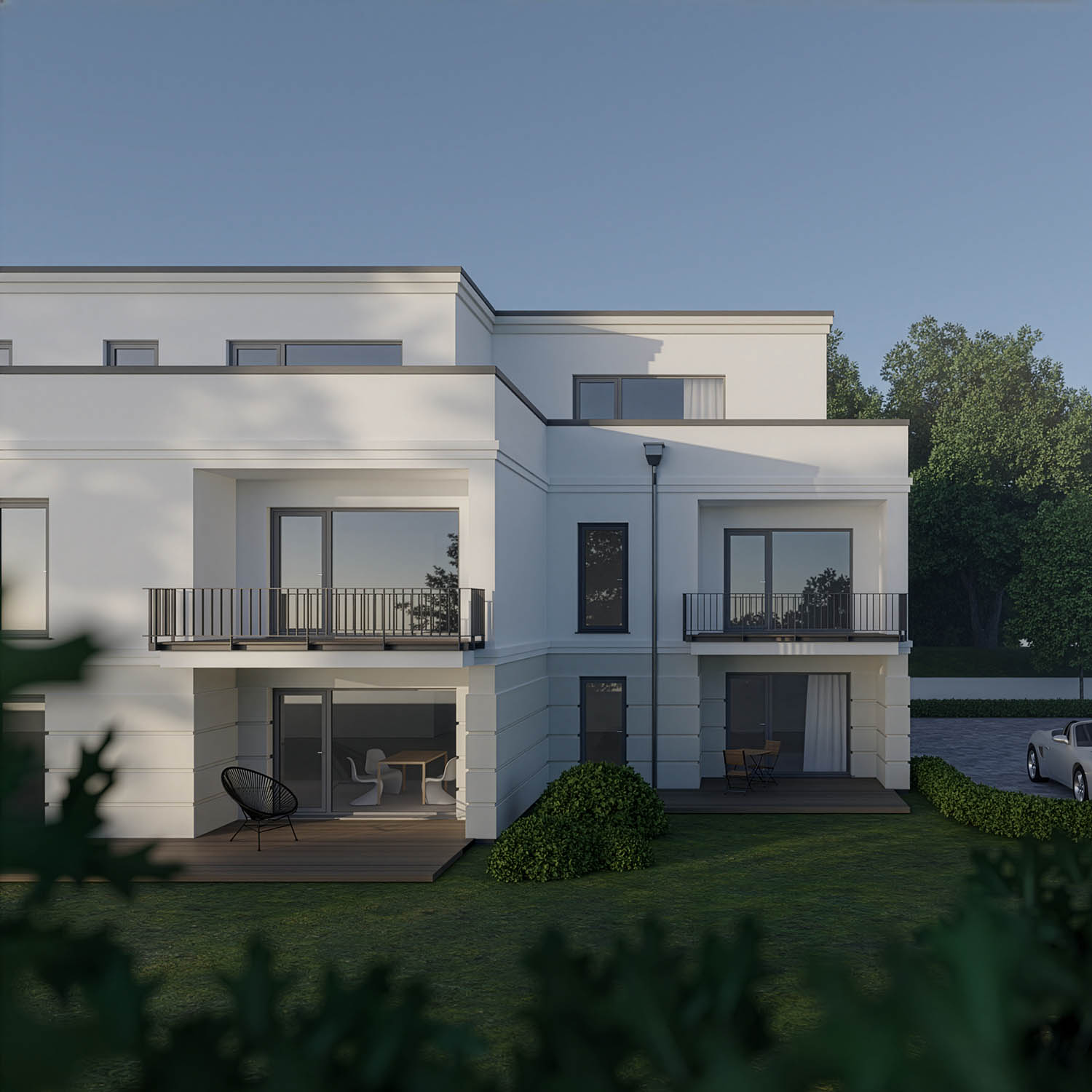


Blender · Stable Diffusion · Flux.1 dev · ComfyUI · Local
RAY-L connects Blender with Stable Diffusion and Flux.1 dev in a seamless local workflow – precise 3D control, photorealistic AI output. No cloud. No per-render fees.
Blender
AI Image Generation
RAY-L eliminates this dilemma. You keep full control over composition, lighting and perspective in Blender. The AI handles materials, textures and atmosphere. The result is neither pure rendering nor pure AI image – it is a photographically precise output that neither technology could achieve alone.
Set up composition, lighting and camera exactly as you need it. Full 3D control as usual.
Press F12. RAY-L reads the render result and extracts the exact edge structure via Canny algorithm.
One click sends the geometry as ControlNet input to ComfyUI – running locally on your machine.
The photorealistic output appears directly in the Blender Image Editor. Geometry stays intact, materials are transformed.
The key technology
RAY-L uses ControlNet to pass the exact edge structure of your 3D geometry as input to Stable Diffusion. Geometry, structure and composition remain exactly as defined in Blender. No surprises, no loss of control. The entire workflow runs locally – no cloud, no data leaves your machine.
Local · Free · Open
Runs entirely on your machine. Stable Diffusion, Flux.1 dev and ComfyUI are open source. No subscription, no per-render costs, no data leaving your system.
ControlNet Canny
ControlNet Canny preserves the exact edge structure of your 3D scene. Stable Diffusion or Flux.1 dev generates photorealistic materials – your composition is untouched.
Photographer's perspective
Designed by a photographer with 30+ years of experience. Every workflow decision reflects photographic thinking – not generic pipeline logic.
ComfyUI integration
RAY-L integrates ComfyUI – the most capable local AI interface for Stable Diffusion and Flux.1 dev. Your entire workflow stays inside Blender.
Blender 5.0+ · macOS & Windows
Runs on macOS Apple Silicon and Windows with an NVIDIA GPU, on any Blender from 5.0 up. Installs from a single ZIP — no OpenCV, no touching Blender's Python, nothing to compile. Tested on MacBook Air 16 GB, MacBook Pro 64 GB, and a Windows RTX 2070 8 GB — the low end of the target range, so newer NVIDIA cards have more headroom, not less.
Tutorials included
Full setup guides, workflow tutorials and concept explanations at 3dwrkshp.com – free. Because understanding the tool matters more than using it.
v0.8 · Now · Beta
v0.9 · Next
v1.0 · Release · 15 USD
RAY-L was not built by a programmer who uses photography as a reference. It was built by a photographer with over 30 years of experience in light, image composition and photorealistic 3D visualization.
That background shapes every decision inside the tool – from the workflow logic to the ControlNet configuration. RAY-L is not designed to generate images. It is designed to make them.
The tutorials at 3dwrkshp.com explain the thinking behind the tool – free, in depth, and permanently.
Beta v0.8 · Free download
As of v0.8 the full pipeline installs from a single ZIP — no OpenCV, no touching Blender's Python, no version pinning. Canny edge detection now runs inside ComfyUI. Tested end-to-end on macOS and Windows.
Free during beta. Release price: 15 USD – one time, no subscription.
Requires Blender 5.0+ · ComfyUI local · macOS Apple Silicon or Windows (NVIDIA) · Full setup guide →